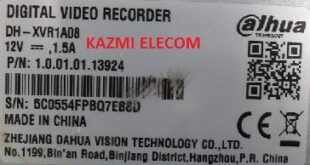
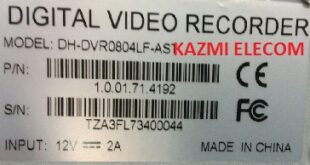
ZAVISION ZVD-5204HZ-H1 DVR
ZAVISION ZVD-5204HZ-H1 DVR backup file is posted here for the support of technicians to recover or repair the DVR/NVR. In most of, the video recorder is stuck on the startup or logo screen and does not completely boot due to software malfunctioning or BIOS problems, and in some other cases, the DVR/NVR may not power on or have no display, but only on standby/a red light. In such cases, there may be a software issue or a hardware issue. First, if the video recorder is on standby with a red light only, check the core voltage to ensure all measurements are accurate and the main system IC is functioning normally. Then, load the backup file.
ZAVISION ZVD-5204HZ-H1 DVR backup is saved from the working DVR/NVR. Be careful when writing backup files. Make sure that the main board or chassis is are same as you require, and if possible, verify the main processor. You should first keep a backup of the old software and then write another. Always check the software backup size and flash memory size, which will be the same size. DVR/NVR channel capacity may be different in some cases, but the main board and processor are the same. In these cases, you can write a backup file if there is no other option.
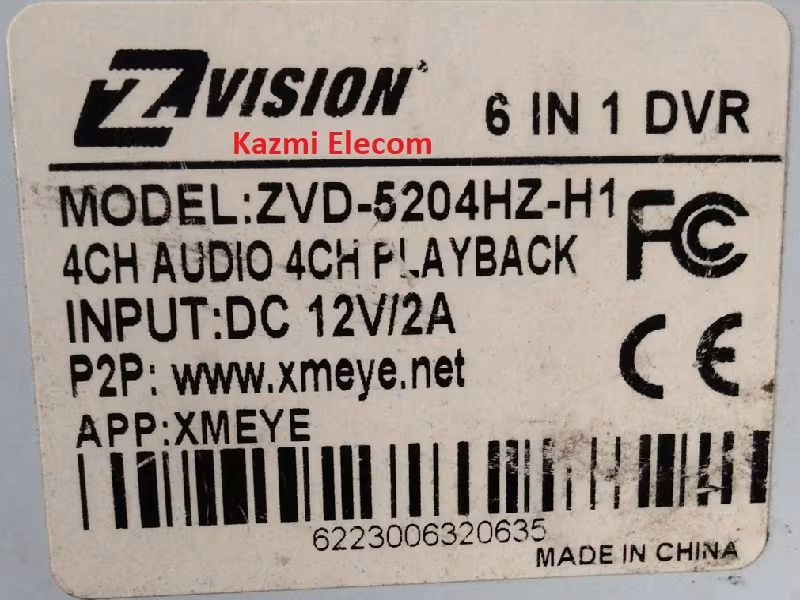
Technical Specifications of ZAVISION ZVD-5204HZ-H1 DVR:
Manufacturer/Make/Brand Name: ZAVISION
DVR/NVR Model: ZVD-5204HZ-H1
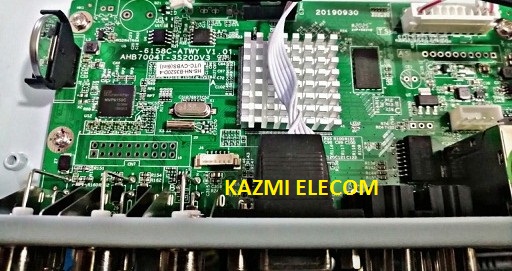
Chassis/Main Board: AHB7004T-3520DV3-6158C-ATWY V1.01
Chipset/System IC/Processor: 3520
Channel/Ports: 4CH
Software Version:
SPI Flash Memory: XM25Q128
Note: The following firmware is a backup file and can be written by a programming tool or can be loaded by a loader tool. Kazmi Elecom Team is not responsible for any type of damage/loss as a result of uploading/downloading the firmware. First, check and verify the main board, then install the software. If you are new and do not have enough knowledge of loading/installing software/firmware or dump files, or are facing any issues during firmware installation, then visit and read here first.
How to Download:
Download your required DVR/NVR backup firmware/software and then extract it you will get the folder. Now copy the files to a USB or load them with a programmer. For more Details about the download process, watch the video Click Here