CV352-A42 Smart Android Board
CV352-A42 is an Android network driver smart LED TV board with an FHD resolution of 1920×1080. CV352_A42 has a powerful wifi system. Smart FHD TV With Android Platform and great features to entertain Full HD Wide Screen with better-to-work SMART. CV352 A42 Smart Board has multiple ports of A/V, USB interface Ports, and many HDMI ports as well, in addition to SCART. The VGA interface is not available on this board. CV352-A42 has a LAN/RJ45 Connector interface port for the wired internet network.
CV352.A42 is a Combo Network Triple play board that has a Digital TV tuner (Optional) built in it (digital terrestrial receiver). The Graphics and Sound quality of the CV352.A42 Android board are very good, and the Response rate is very efficient. CV352.A42 China smart network board can support up to 43-65″ LED Panels. The CV352.A42 firmware file is available for the technician’s support.
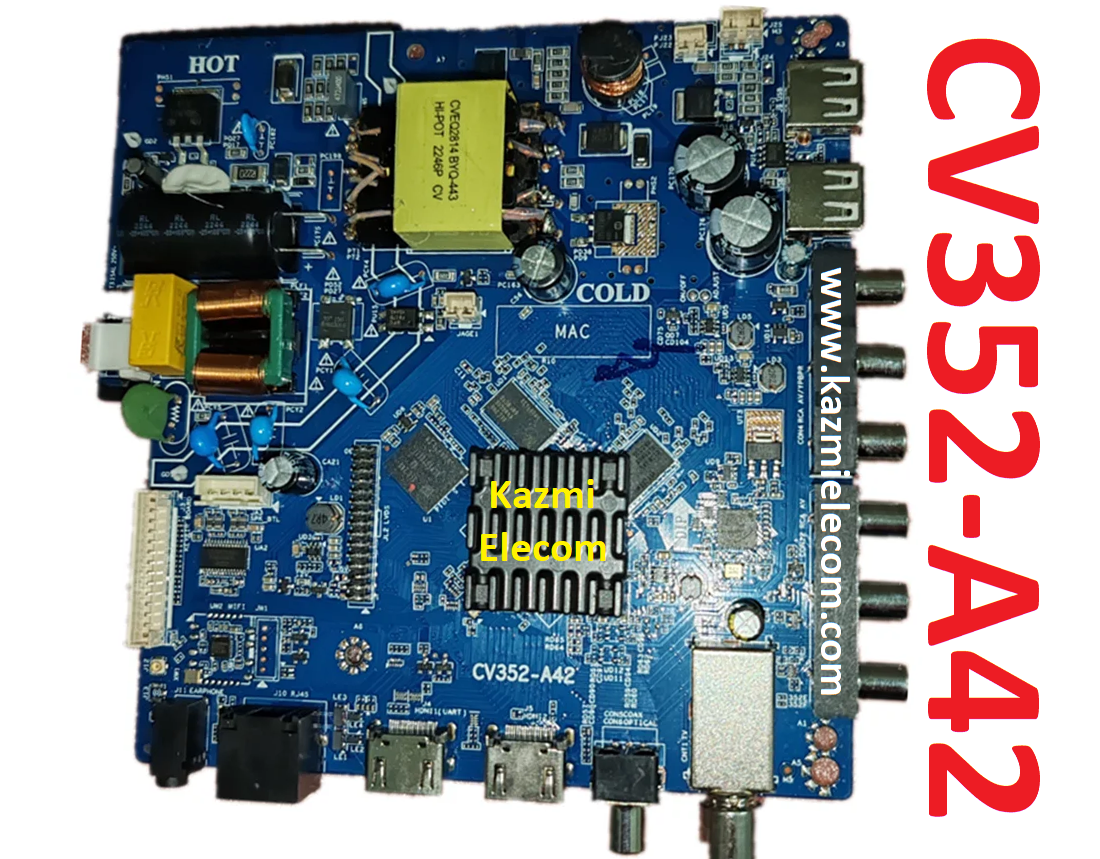
General Specifications:
Brand/Mark: LCD/LED Main Board (Android WIFI Network Drive Board)
Main Board: CV352-A42
Main Chipset:
OS: Android 9.0
CPU: Cortex-A53 Quad Core @ 1GHz
GPU: Mali450MP
CPU Frequency: 1GHz
GPU Frequency: 432MHz
Back Light V/C : 36-110V 680mA
Ram: 1/2 Gb
Rom: 8 Gb eMMC
Resolution: up to 1920×1080
Speakers: 2 x 8W
RF connectivity X 1
HDMI X 2
USB X 2
YPbPr X 1
HEADPHONES X 1
Scart 0
RJ45 X 1
Tuner: ATV
Firmware: CtvUpgrade.bin
Firmware Type: USB Updateable Firmware
Firmware Installation Guide: Click Here
Note: The following given firmware is USB upgradeable. Kazmi Elecom Team is not responsible for any type of damage/loss as a result of uploading/downloading the firmware.
How to Download CV352-A42 Firmware Files:
Download all parts of the following given firmware and then extract any one of them you will get the folder. Now copy the files to USB. For more Details about the download process watch the video Click Here
How to Load Software:
- Transfer the required resolution file into a USB Disk
- Plugin the USB Disk into the Main Board
- Keep Pressing the Standby/Power button and Power on the board
- Wait until the LED light starts flashing
- Note: The USB file must be the name “CtvUpgrade.bin”
CV352-A42 firmware for free download:

- CV352-A42 1920×1080-1G-8G-AMMAN.part1
- CV352-A42 1920×1080-1G-8G-AMMAN.part2
- CV352-A42 1920×1080-1G-8G-AMMAN.part3
For video tutorials, visit “Kazmi Elecom” my YouTube channel.
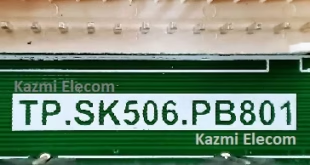
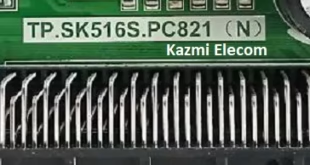
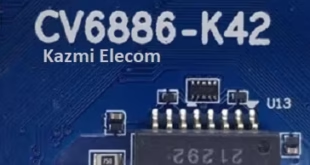

Thank u for helping me
Thank you
cv352-a43
NA
Thanks
CV352-Y42
did u get? i need this also
Hello sir I need CV 352 – A32
1920 x 1080
NA
Thanks sir
cv452-a42
شكراااا لكن البرنامج ميبش يحمل
https://www.kazmielecom.tech/how-to-load-firmware/
cv352-r42
شكراً
شكراً
على مساعدتي
شكرآ لكم
the third link doesn`t work, tha page is fake
link working
الف شكراً
اريد المساعدة فيسفتويرات الشاشات والتوصيل مجانا
you can download
السلام عليكم ورحمة الله وبركاته اريد المساعدة في هذا المنتدى الرائع الذي كان من الممكن استخدام الموقع
not understand
الله ينور يا هندسه
شكرا
Hi, i need software/firmware CV352-A42
Please help me
Download
Sir, I need the CV352-A42 software but with the 1366×768 resolution version, do you have it? Or teach me how to change it. Thanks !
Not available
Please for 1366×768 panel
NA
CV352-Z42
I want software for a 32-inch screen cv352-a42
NA
Muchas gracias por el aporte. Que Dios te bendiga
buenas como esta. soy de Uruguay actualice 2 placas con el mismo firmware las dos son cv352-a42 pero en las dos no me funciona la conexion wifi, puede ayudarme con este problema, desde ya muchas gracias
buenas que tal. soy de uruguay actualice dos placas con la misma actualizacion y en las dos no funciona la conectividad wifi puede ayudarme con este problema , desde ya muchas gracias
Reset to factory default and try again