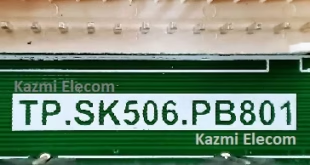
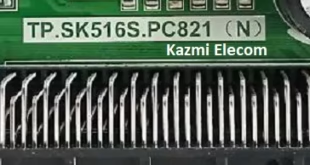
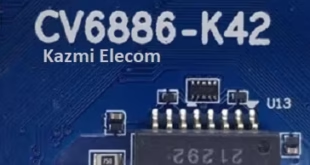
CV352-Z42 Smart Android Board
CV352-Z42 is an Android network driver smart LED TV board with an FHD resolution of 1920×1080. CV352_Z42 has a powerful wifi system. Smart FHD TV with Android Platform and great features to entertain, Full HD Wide Screen with better-to-work SMART. CV352 Z42 Smart Board features multiple A/V, USB interface Ports, and dual HDMI ports, in addition to Headphones. The VGA interface is not available on this board. CV352-Z42 features a LAN/RJ45 Connector interface port for wired internet networks.
CV352.Z42 is a Combo Network Triple play board that has a Digital TV tuner (Optional) built in it (digital terrestrial receiver). The Graphics and Sound quality of the CV352.Z42 Android board are very good, and the Response rate is very efficient. CV352.Z42 China smart network board can support up to 32-43″ LED Panels. The CV352.Z42 firmware file is available for the technician’s support.
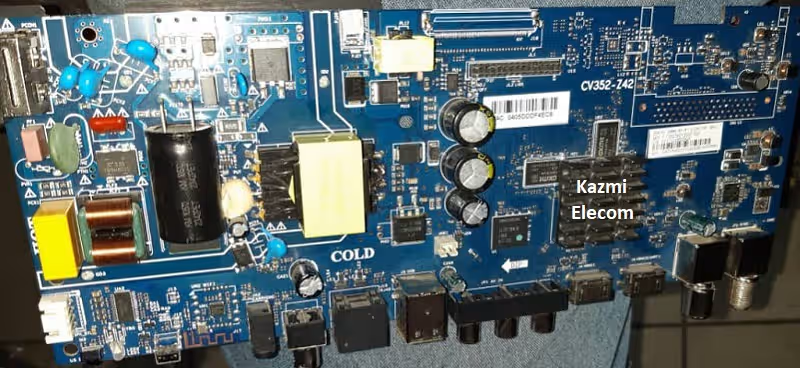
General Specifications:
Brand/Mark: LCD/LED Main Board (Android WIFI Network Drive Board)
Main Board: CV352-Z42
Main Chipset: 352
OS: Android 14
CPU: Cortex-A53 Quad Core @ 1GHz
GPU: Mali450MP
CPU Frequency: 1GHz
GPU Frequency: 432MHz
Back Light V/C : 35-110V 600mA
Ram: 1 GB
Rom: 8 GB eMMC
Resolution: up to 1920×1080
Speakers: 2 x 8W
RF connectivity X 1
HDMI X 2
USB X 2
YPbPr X 1
HEADPHONES X 1
Scart 0
RJ45 X 1
Tuner: ATV&DTV
Firmware: CtvUpgrade.bin
Firmware Type: USB Updatable Firmware
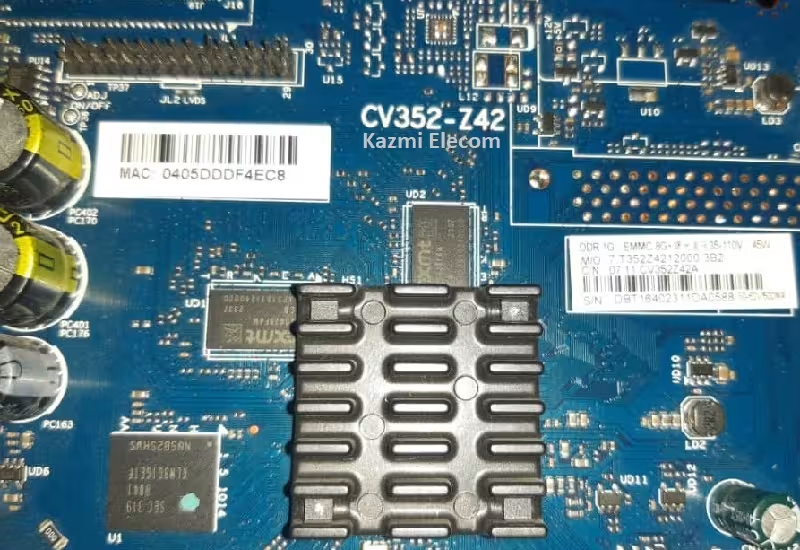
Note: The following firmware is an EMMC backup file. Kazmi Elecom Team is not responsible for any damage/loss caused by uploading/downloading the firmware. First, check and verify the main board, then install the software. If you’re new and lack knowledge of loading/installing software/firmware or dump files, or are experiencing issues during firmware installation, please visit and read this first.
How to Load Software:
- Transfer the required resolution file to a USB Disk
- Plug the USB Disk into the Main Board
- Keep pressing the Standby/Power button and Power on the board
- Wait until the LED light starts flashing
- Note: The USB file must be named “CtvUpgrade.bin”
CV352-Y42 firmware for free download: