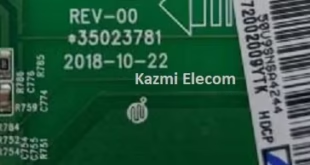
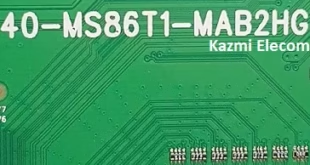
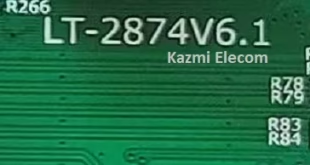
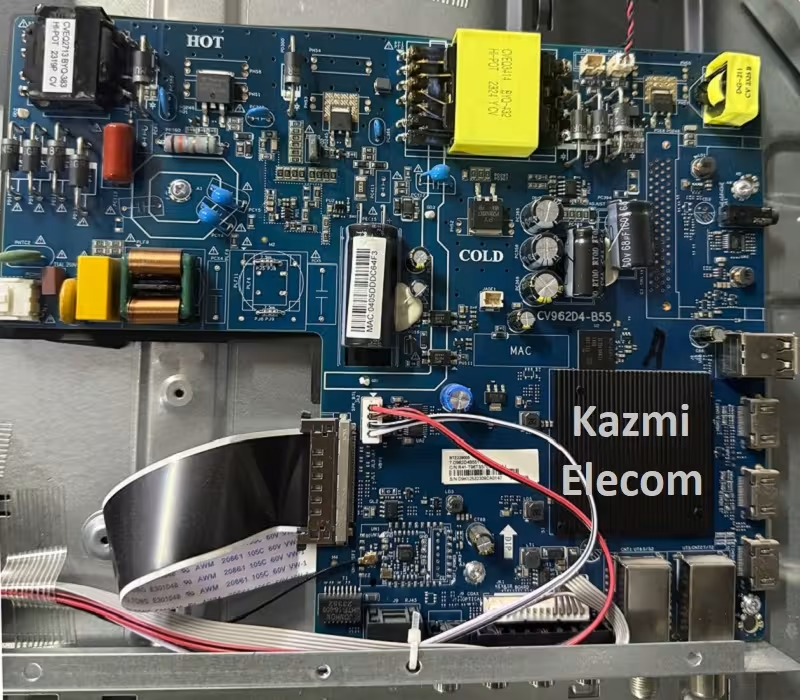
CV962D4-B55 UHD Smart Board
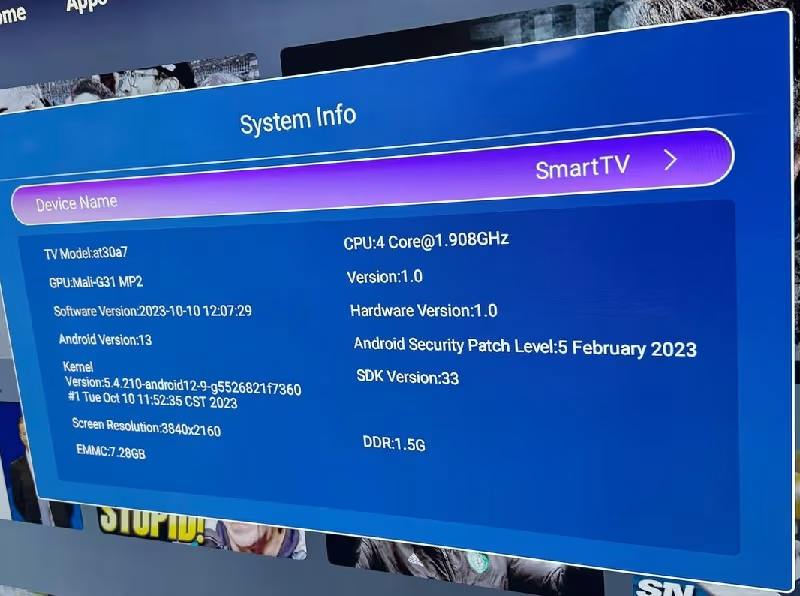
CV962D4-B55 is an analog and digital 4K UHD smart Android board with a resolution of 3840×2160, running the latest Android version 13.0. CV962D4_B55 is a universal without a backlight driver circuit and a power supply module. CV962D4.B55 can support many panel screens from 55 inches to 85 inches with the best picture quality. It has 16 Watts Output, integrated dual speakers for Smart Audio, and the best Stereo Sound with a 4-mode equalizer.
CV962D4-B55 has multiple connectivity ports like AV, three HDMI, USB, and Digital Tuner input (DVB C, T/T2, S/S2). Its special features are the E-Share, Bluetooth, Dolby, Mirroring option, WiFi support, and built-in apps. CV962D4-B55 firmware files are given below for the technician’s support. It has 178 Degree Viewing angles and Response Time is 8.5 ms. Its Contract Ratio is 5000:1, and its Maximum colors are 16.7M.
General Specifications & Features :
Brand/Make: LCD/LED 4K Smart Driver Board
Model: CV962D4-B55
Supported Resolution: 3480×2160
Screen Format: 16:9
Chipset: Amlogic
Platform:
Operating System: Android 13.0
CPU: Cortex A53*4 64bit
GPU: G52(2EE)MC1
RAM: 1.5Gb
ROM: 8Gb
Sound Output: 10Wx2
Transmission: DVB-C, T/T2, S/S2
Video System: PAL/SECAM
Backlight Voltage: 120 -180V
Backlight Current: 500mA to 900mA
Backlight Power: NA
AC Input: 110-220V
Firmware Name: aml_upgrade_package.img
Firmware Type: USB Upgradeable
Service Menu Code:
Product: Magic, Daewoo
Note: The following firmware is USB bootable. Kazmi Elecom Team is not responsible for any type of damage/loss as a result of uploading/downloading the firmware. First, check and verify the main board, then install the software. If you are new and do not have enough knowledge of loading/installing software/firmware or dump files, or are facing any issues during firmware installation, then visit and read here first.
How to Download:
Download all parts of the given firmware and then extract any one of them; you will get the folder. Now copy the files to the USB. For more Details about the download process, watch the video Click Here
CV962D4-B55 firmware files for free download: