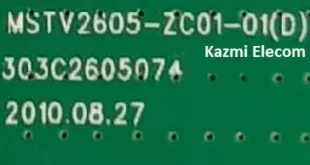
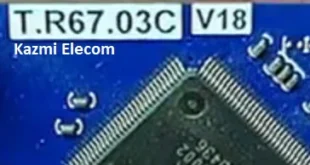
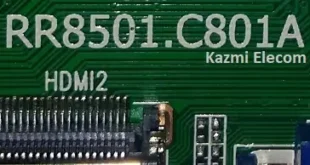
T.SK107A.03 Universal Board
T.SK107A.03 is a universal jumper option board for all universal LCD/LED TV panel screens.
Basic Info:
Model No. T.SK107A.03 (N)
Main Chipset: UTS6710-X
Display Format: up to 1920×1200 (FHD)
Supported Screens: up to 42″
Aspect Ratio: 4:3, 16:9 & 16:10
TV Format: Analog Signal
Supported Languages: English,French,Farsi,Indonesian,Spanish,Arabic,Hindi

General Specifications:
TV System: PAL/SECAM/NTSC
Panel Interface: LVDS Double 6/8
Key Button Functions: CH-/CH+/MENU/VOL-/VOL+Souce/Power
Multi-Language OSD: Yes
Input/Output Ports: HDMI, VGA, AV, USB, RF TV interface, and Earphone Out
Audio O/P Power: 2 x 3 Watt (8 ohms)
Screen voltage: 3.3V / 5V / 12V (Jump cap)
USB Port: Yes (Firmware Upgrade and Multimedia Playback Support)
USB File Format: Audio (Mp3, wma, m4a/aac), Video (avi, mp4, ts/trp, mkv/mov, mpg, dat, vob, rm/rmvb), Picture (Jpg, jpeg, bmp, png), Text (text)
IR Control: Yes (Controllable by Remote Control)
Electrical Parameters:
Working Input Voltage: DC +12 Volt
Maximum Current: 3-5 Amp
Standby Power: < 0.2 W (for the motherboard only)
Maximum Current for USB: 500mA
Not only can the USB interface be used to upgrade programs, but it can also be used to play video/music/photos; basically, all formats are supported. You can also set a boot display picture or LOGO and enable Mirror.
How to Upgrade T.SK107A.03 Program:
- Copy the required bin file to the FAT32 USB Disk
- Plug in the U disk into the Mainboard USB port of the LCD/LED TV
- Switch ON the power and wait until the IR indicator LED flashing stops (or flashes rapidly)
- Done. Unplug the U-disk (It will take max 1 min to upgrade the firmware)

Factory Service Mode:
Menu+1147
Firmware Name: V110_sos.bin
Firmware Type: USB upgradeable
Remote Type: M90
Note: The following firmware/software is USB upgradeable. Download the required resolution and then extract/unzip it; you will get the folder. Kazmi Elecom Team is not responsible for any damage/loss as a result of uploading/downloading the firmware. If you are new and don’t have enough knowledge of loading or installing software/firmware or dump files, read here first.
T.SK107A.03 Firmware All resolutions Free Download: